
Free tool

Free looping video player for trade show booth TVs

Add your videos and photos, and this page plays them full screen on a loop, all day. No menus, no file names, no play buttons and no remote. When the last one ends, it starts over on its own.

  • Free, with no sign up. It runs right here in your browser. Nothing to install.
  • Your files stay on your device. They are never uploaded, not even to us.
  • Keeps running if the Wi-Fi drops. Once it loads, it doesn't need internet.
  • Fits any screen, sideways or upright. Fill the screen or show each picture whole, your choice.
Set up your loop

Free loop player by alchemainteractive.com

Playing our how-to clips. Add your videos and photos and they take their place.

Where people use it

Set up your loop

Everything saves in this browser as you go. Come back to this page on the same device and your loop is still here.

Videos and photos 0 of 20

    Nothing added yet, so the loop is playing our how-to clips. Add your own videos and photos and they replace them. They play in this order.

    Each photo stays on screen for
    Fit

    Fill the screen trims the edges when a video's shape doesn't match the TV. Show the whole picture adds black bars instead.

    Sound
    Its color

    It fills the screen and hides the mouse pointer. To stop it, hold the top left corner for three seconds, or press Esc on a keyboard.

    Chris Yates

    Why I built this

    Last year at Easter, our church set up three stations with smart TVs and USB sticks so people could watch some videos. Every time a video finished, somebody had to start it again by hand, and we wrote out instructions so the older folks could get them going. It was a nightmare.

    A screen that's supposed to just play shouldn't need anybody standing next to it. Add your files once, press Start, and walk away.

    Chris Yates, Alchema Interactive

    A loop plays at people. A kiosk gets them talking to you.

    The free loop player keeps your booth TV busy, and that's worth doing. A screen people can touch does more: it pulls them in, lets them find what they care about, and collects their details so you leave with real leads.

    Free loop playerYour videos and photos, playing in order, all day.
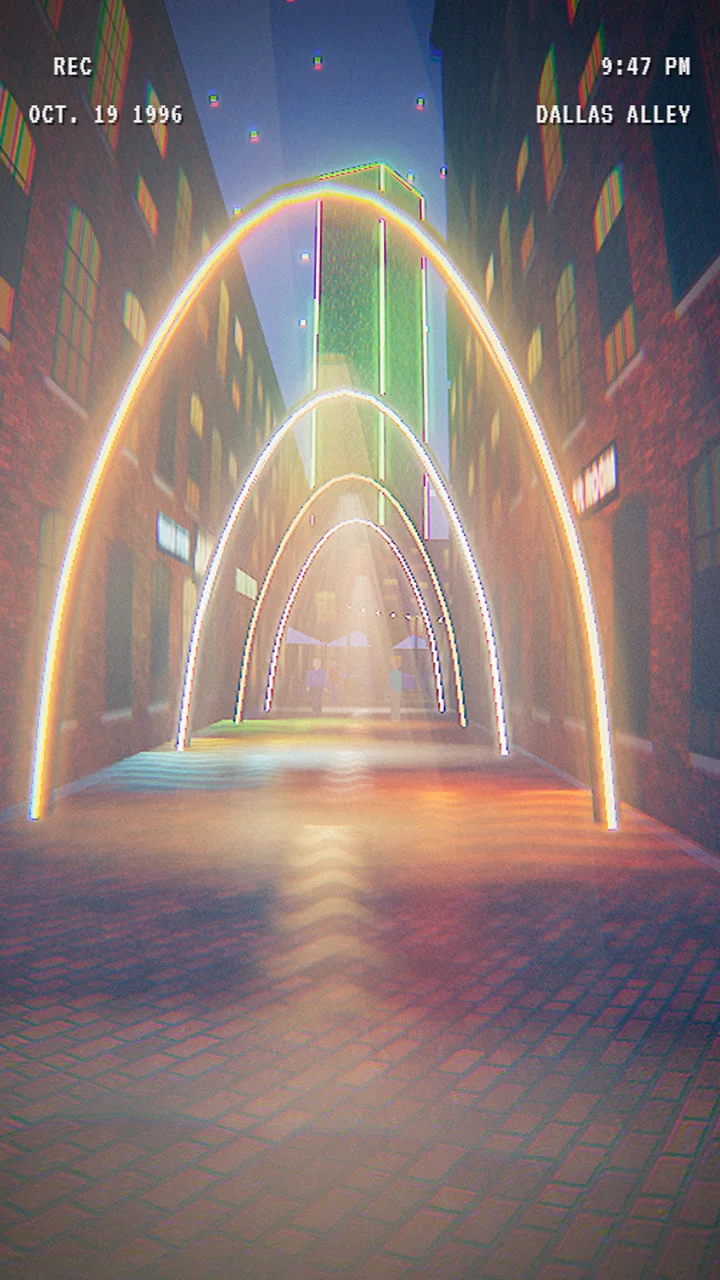
    Built for youFrom the studio: the West End Marketplace, a 1990s Dallas mall you walk through.

    You supply the tablet or touchscreen. What you are buying is the experience that runs on it.

    How to put it on a TV

    Most smart TVs' built-in browsers are too limited to run it. Plug something into the TV that has a real browser, then run the loop there.

    A laptop or small PC

    1. Connect it to the TV with an HDMI cable.
    2. Open this page in Google Chrome and set up your loop.
    3. For a one-click start, right click the desktop, choose New, then Shortcut, and paste the line below.
    "C:\Program Files\Google\Chrome\Application\chrome.exe" --kiosk https://alchemainteractive.com/tools/loop-player/?run=1

    Double click it and the loop fills the TV. Set the computer never to sleep while it's plugged in.

    An iPad

    1. Connect it to the TV with an HDMI adapter, or use the iPad itself as the screen.
    2. Open this page in Safari, tap Share, then Add to Home Screen.
    3. Open it from the home screen and set up your loop there. An iPad keeps a home screen app's files separate from Safari's, so set it up in the one you'll run. After that, it starts the loop as soon as you open it.
    4. In Settings, under Display and Brightness, set Auto-Lock to Never.

    An Android tablet or TV box

    1. Open this page in Chrome and set up your loop.
    2. From Chrome's menu, choose Add to Home screen.
    3. Open it from the home screen and it starts the loop.
    4. Turn off the screen timeout in the display settings.

    Questions people ask

    Will file names or menus pop up between videos?

    No. Each video or photo fades straight into the next, full screen, with nothing else on the screen. The mouse pointer hides itself too.

    Does it need internet at the show?

    Only to open the page. Once it has loaded, it keeps running without internet, and your videos and photos are saved in the browser on that device.

    Can I mix photos and videos?

    Yes. Add both in any order, up to twenty. Each photo stays on screen for the time you pick, from 5 to 20 seconds.

    Can it play straight on a smart TV?

    Most smart TV browsers are too limited for it. Plug a laptop, a small PC or a tablet into the TV and run it there. The steps are above.

    Does it work on a vertical screen?

    Yes. Choose whether each video fills the screen or shows in full, and it fits a sideways or upright screen either way.

    What kind of files work?

    MP4 videos and JPG or PNG photos play everywhere. MOV videos and HEIC photos from an iPhone work in Safari on an iPad or Mac but may not on Windows, so export them as MP4 and JPG if one won't load.

    Are my files uploaded anywhere?

    No. Your videos and photos stay on your device, saved in this browser. Nobody else can see them, including us. Clearing the browser's website data removes them.

    Is it really free?

    Yes. There is no account and nothing to install. A small credit shows in the corner for a few seconds each time the loop starts over.

    Can I get something more than a loop?

    Yes. That's what Alchema Interactive does: touchscreen kiosks and exhibits people use, designed around your booth or subject.
    Open this in your browser

    The loop player needs a full browser to fill the screen and save your files. Open this page in Safari or Chrome.

    alchemainteractive.com/tools/loop-player